Apps to replace doomscrolling: blockers vs. replacements
Two kinds of apps help with doomscrolling: ones that stop you and ones that give you something better to scroll. How they differ and how to pick.
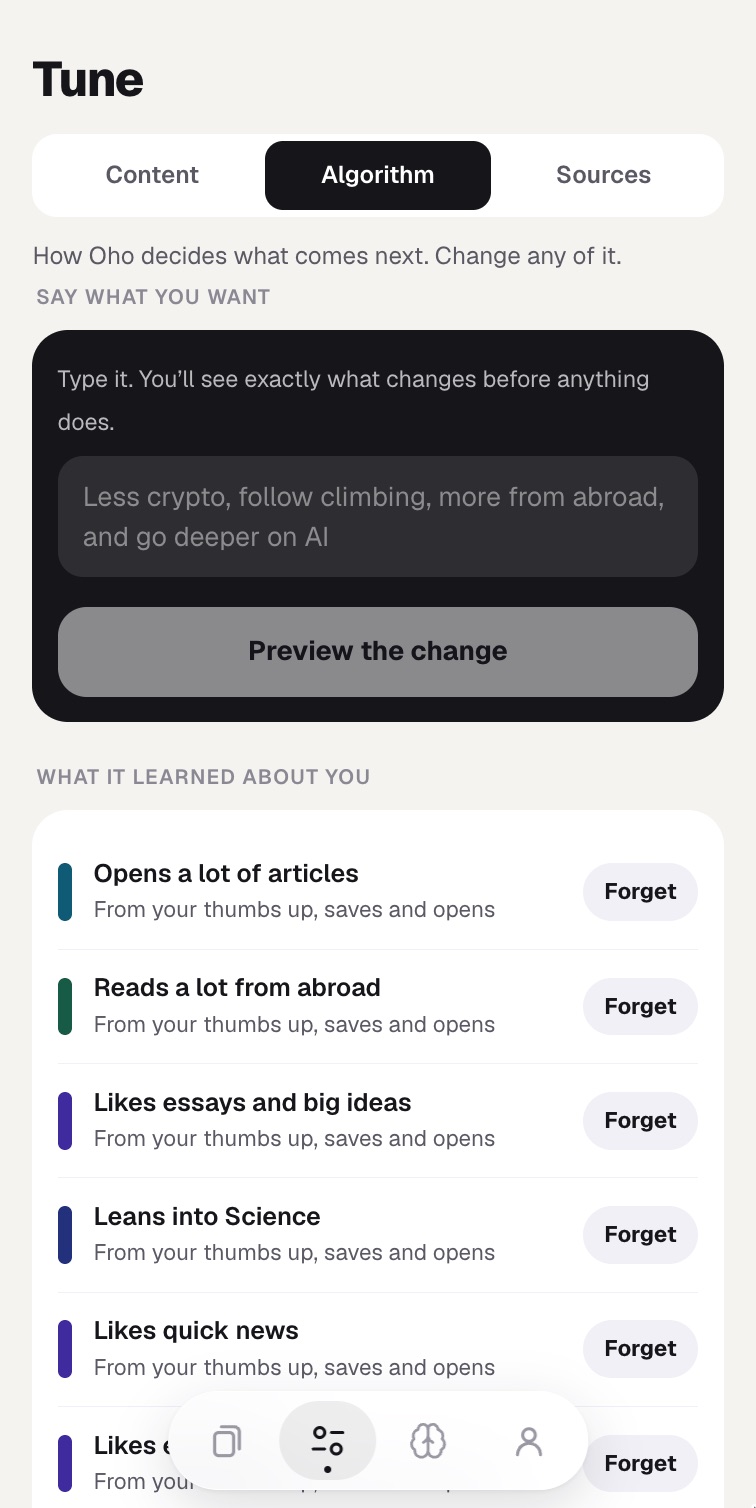
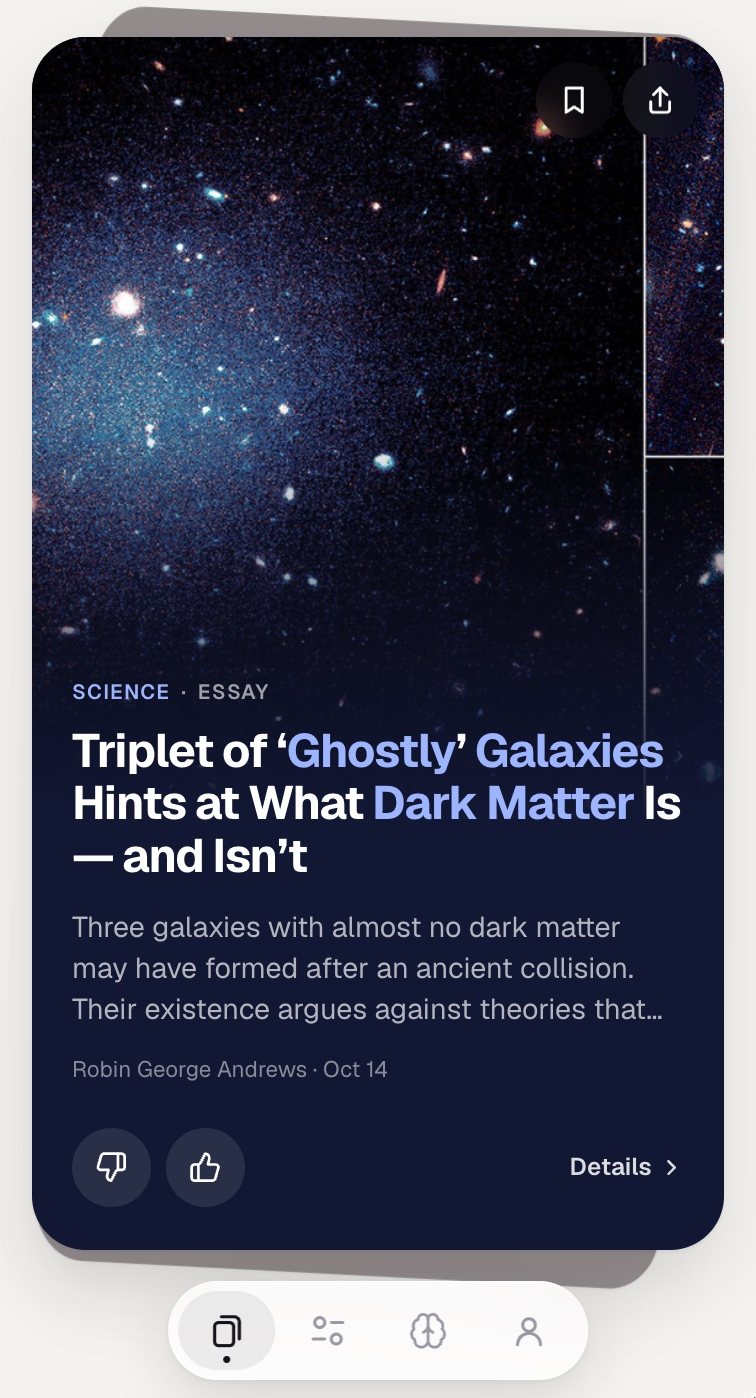
Search for apps that help with doomscrolling and you get two very different kinds mixed together. Some make it harder to open the apps you scroll. Others give you something else to scroll. They solve different halves of the problem, so it helps to know which half is yours.
Blockers: make the habit harder
These add friction between you and the feed. They work best when you already know which apps eat your time and you want a pause before opening them.
- one sec: makes you wait a few seconds and take a breath before a chosen app opens, so the reach becomes a choice.
- Opal: blocks chosen apps during sessions you schedule, like work hours or bedtime.
- Screen Time (iPhone) and Digital Wellbeing (Android): built in and free. App limits and downtime cover the basics.
Replacements: change what you scroll
These keep a short, swipeable format but fill it with something you would want to remember. They work best when the habit itself is not going away, and you would rather it led somewhere.
- Headway: short summaries of nonfiction books.
- Nibble and Imprint: short visual lessons on topics like psychology, history and economics.
- Brilliant: interactive lessons in math, science and computer science.
- Oho: a feed of short cards cut from real articles, essays, papers, podcasts and lectures, from 1,000+ sources you can tune.
Why replacements matter more than people expect
Blocking a feed leaves a gap. In one experiment where people were paid to leave Facebook for four weeks, they did end up happier, but the freed-up time went to other things, including more TV watched alone as well as more time with friends and family, and they knew less about the news afterwards. The time goes somewhere. A replacement decides where.
It also matters how you scroll. Research on Twitter users linked passive scrolling to lower wellbeing, while more active use went with a greater sense of belonging. Replacement apps that ask you to save, answer or think about what you read push you toward the active side.
How to pick
- If you open apps without deciding to: start with a blocker.
- If you want to learn one subject properly: a course-style app like Brilliant.
- If you want books: Headway.
- If you like the feed itself and want it to be about things worth knowing: a replacement feed like Oho.
- Many people use one of each: a blocker on the worst app, and a replacement as the place the thumb goes instead.
A note on this list
We make Oho, so we are not neutral. We kept the descriptions to what each app does, and we left out prices because they change often. Check the App Store or Google Play for the current details.